GreenPT Apps
Dictating a message
Speak instead of typing — the transcript lands in the composer for you to edit and send.
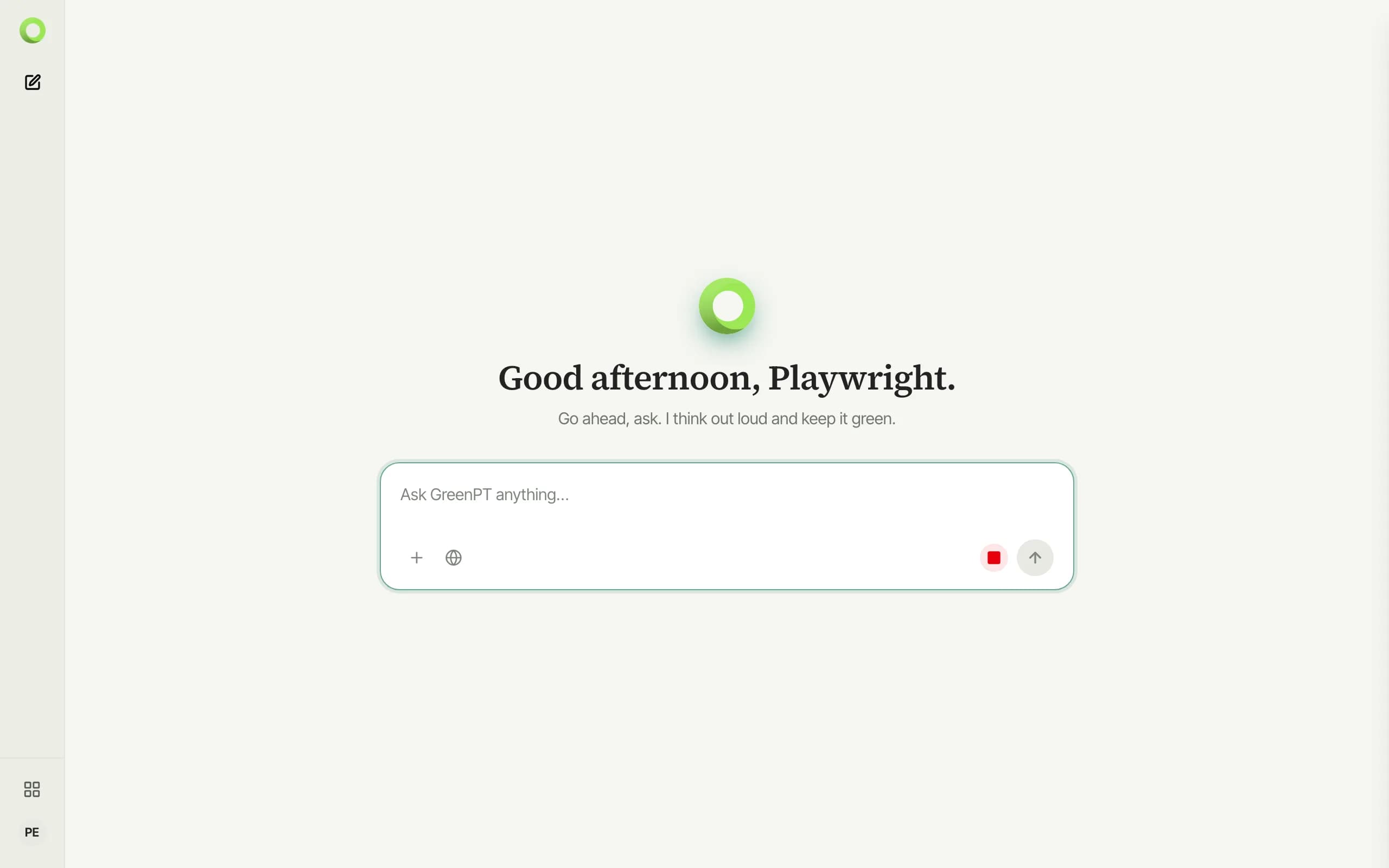
The chat composer takes dictation: record, stop, and the transcript is inserted into your draft. The text stays editable — dictation fills the composer, it never sends on its own.
Start recording
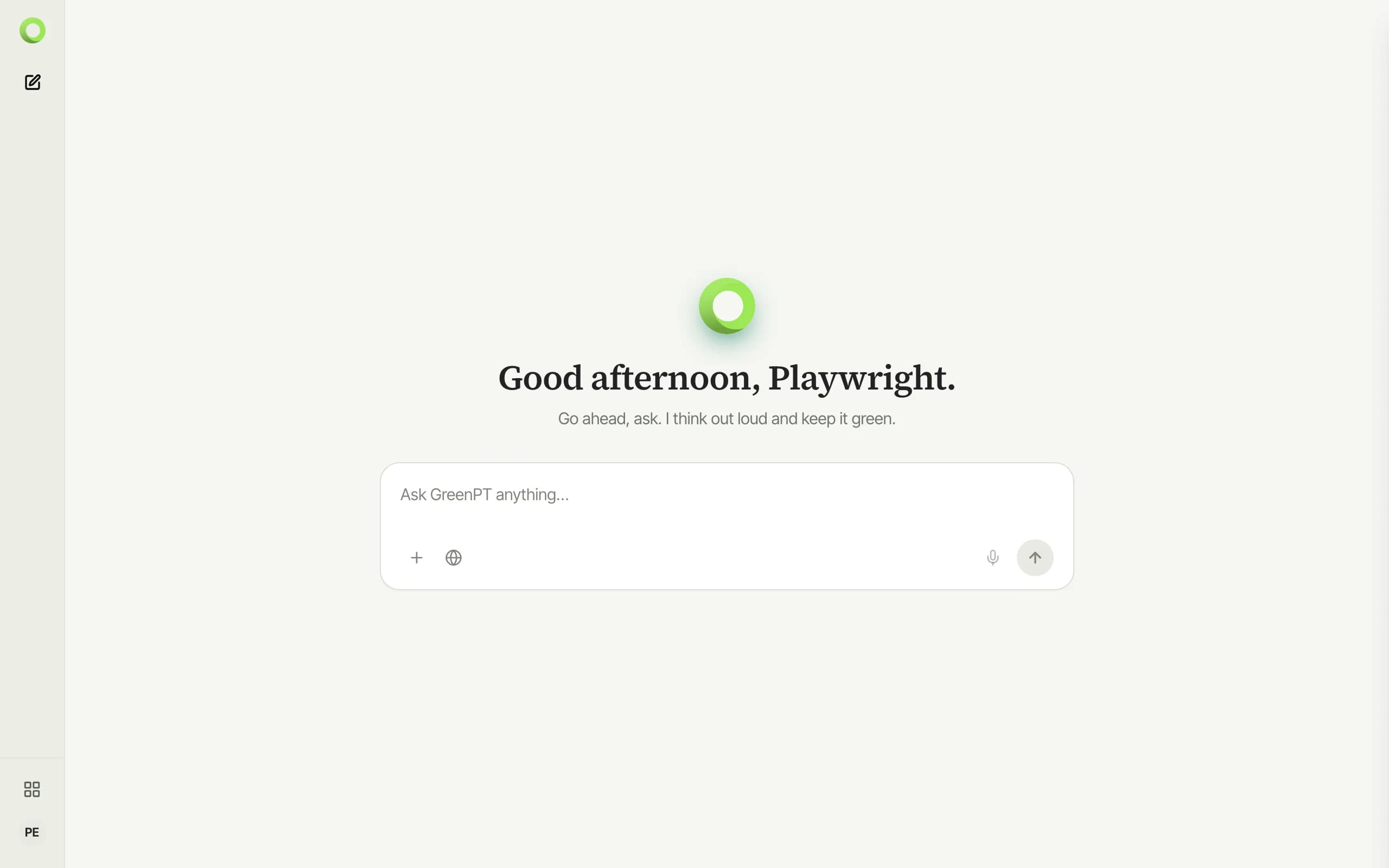
Click the microphone in the composer. The first time, your browser asks for permission to use the microphone.
Edit and send
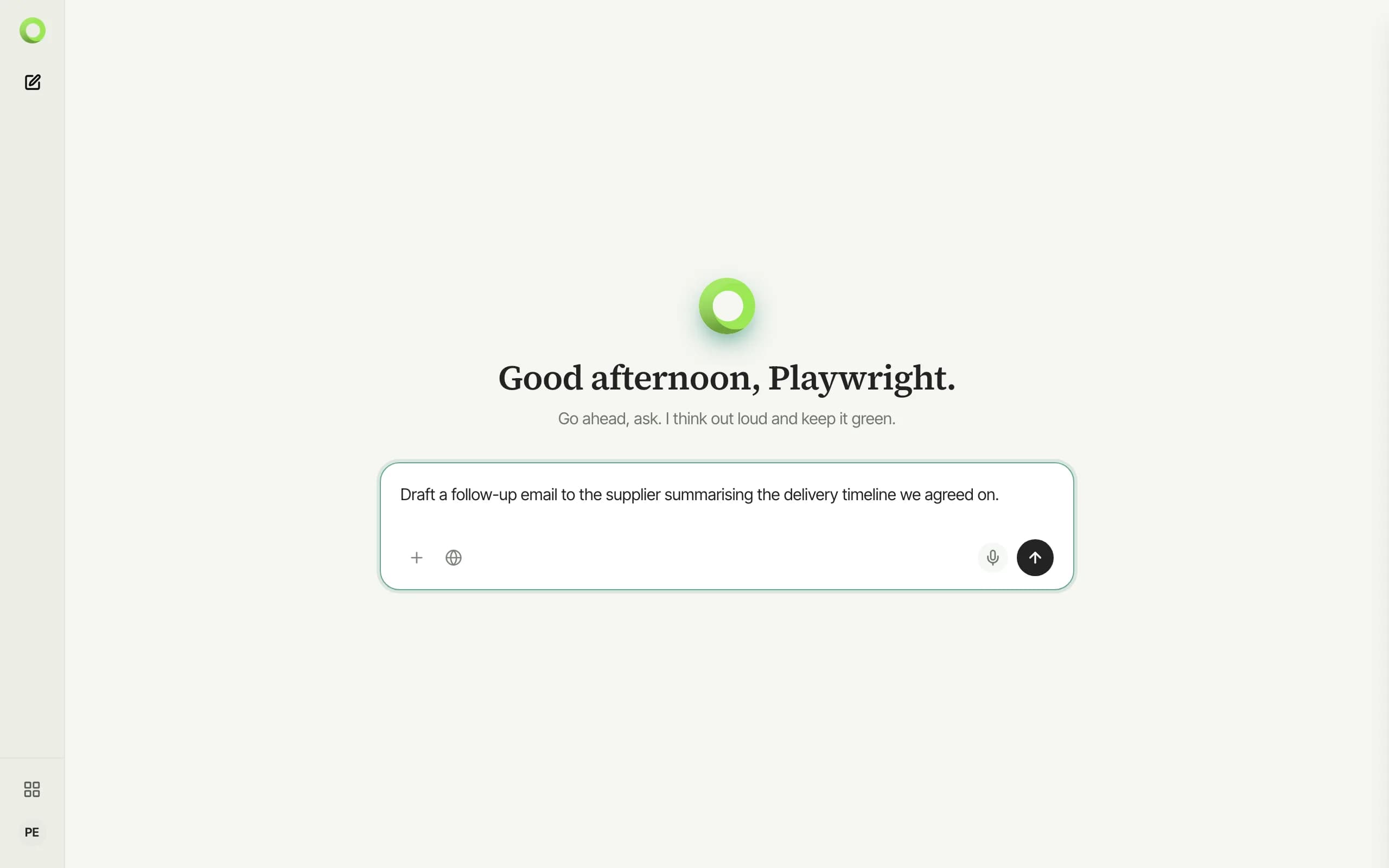
The transcript is inserted into the composer — after anything you had already typed, with a separating space — ready to edit before sending.